Slack Keyword Notifications: What They Catch, What They Miss, and What to Do About It
Keyword notifications are useful, but they are not a complete follow-up system. Here is where they help and where they quietly fall short.
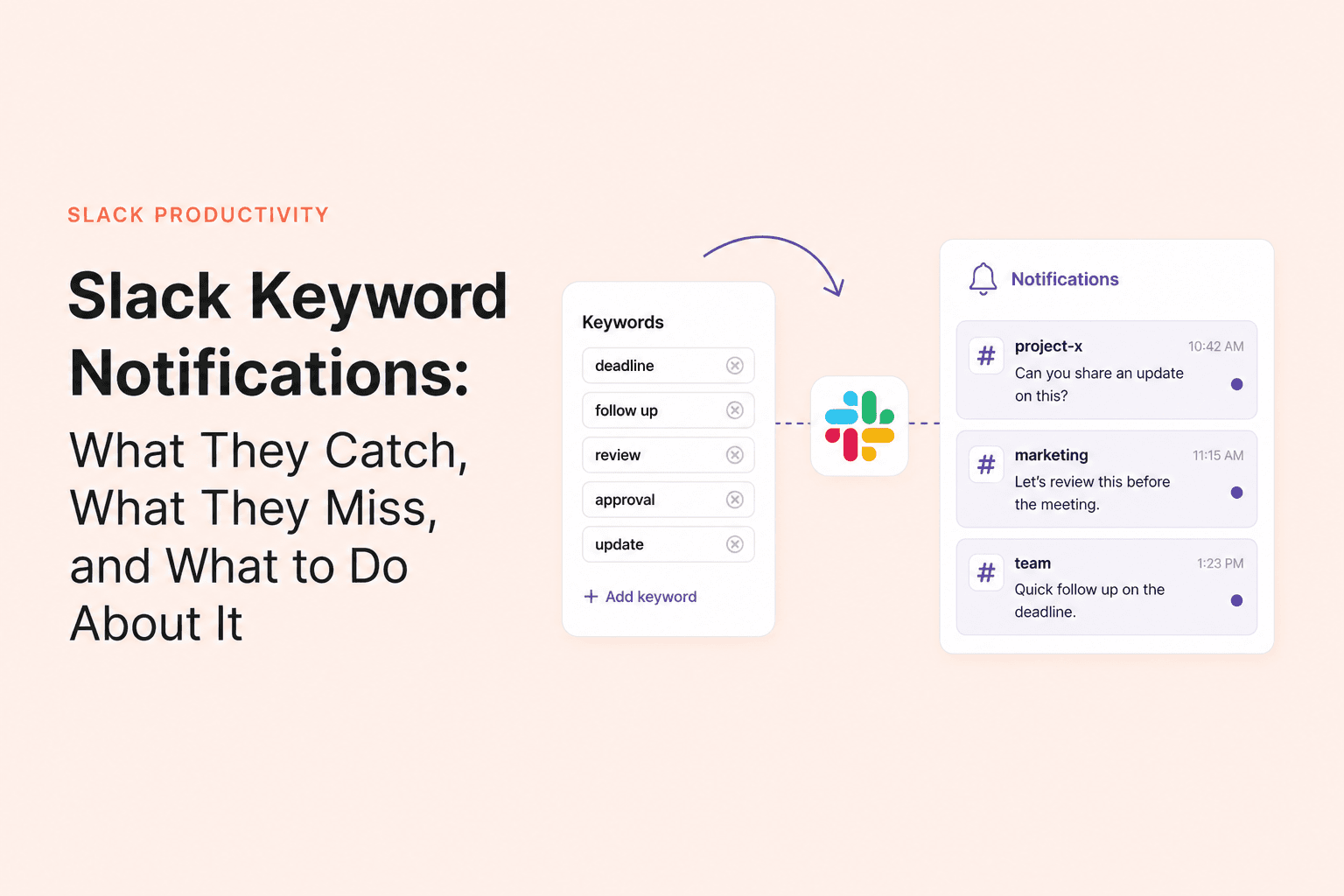
Slack keyword notifications feel like a smart shortcut. Add your project name, your customers, or your own name, and Slack will surface the conversations you do not want to miss. For visibility, that is genuinely helpful.
But many teams quietly expect far more from keywords than keywords can deliver. They use them as if they were an accountability layer, when in reality they are just a signal that a certain string of text appeared somewhere relevant.
What keyword notifications are actually good at
Keywords shine when your goal is awareness. They are useful for product names, customer accounts, leadership names, incidents, campaigns, or any topic that might appear outside your core channels.
- Spotting when your name or team comes up in unfamiliar channels.
- Keeping an eye on a client or project keyword across the workspace.
- Catching mentions of a product launch, outage, or internal initiative.
- Giving a cover person visibility into your name while you are away.
What they miss
The limitations are where teams get tripped up. Keywords are exact-match style signals, they only work in channels you are part of, and they do not tell you whether the message was handled. Slack also documents an important caveat: messages sent inside threads do not trigger keyword notifications. That matters a lot for teams that rely on thread-heavy workflows.
1. Use keywords for visibility, not accountability
A keyword alert tells you something was said. It does not tell you whether somebody replied, whether the reply was useful, or whether the conversation still needs action. If your team treats keywords like a follow-up system, you will still lose important work in the gap between being notified and being done.
2. Add variations deliberately
Keywords only help if they reflect the way people actually talk. If teammates mention "ACME," "Acme Inc," and "acme-redesign," you need to decide which of those variations matter enough to track. A sloppy keyword list becomes noisy fast, but an overly narrow one misses the point of using keywords at all.
3. Combine keywords with channel priorities
Keywords work best when they sit on top of a sensible channel-notification setup. If every channel is already noisy, keyword alerts become one more thing competing for attention. If your channel strategy is clean, keywords feel like a lightweight extra layer rather than constant interruption.
4. Review thread-heavy workflows separately
This is the part many teams miss. If important work happens in threads, you cannot assume keyword alerts will cover it. You need a separate thread habit, a follow-up norm, or a monitoring layer for the conversations that matter after the original message.
remindo
Want Slack to resurface unanswered messages automatically?
remindo tracks unanswered questions, mentions, and supported follow-up flows inside Slack.
See how remindo works →The gap between notified and handled
Most missed Slack work lives in that gap. Somebody saw the message. Somebody probably intended to reply. But the fact that a keyword fired does not mean anything actually moved forward.
- A keyword can alert you to a mention, but not whether the person got an answer.
- A keyword can bring attention to a topic, but not whether the thread resolved it.
- A keyword can help with coverage, but not tell the cover person which messages still need action.
A better stack for important conversations
Use keywords for reach. Use clear team norms for who replies and when. And for high-signal conversations that cannot quietly disappear, add a system that checks whether the conversation actually moved. remindo fits into that last layer: it can surface unanswered questions, mentions, and supported follow-up flows in channels where remindo is installed, which gives you a much better answer to "what still needs attention?" than keyword alerts alone.
Keywords are still worth using. They are just not the whole system. Once you treat them as a discovery tool instead of a reliability guarantee, they become much more useful and much less frustrating.
